
A balance you can't explain is worse than no balance
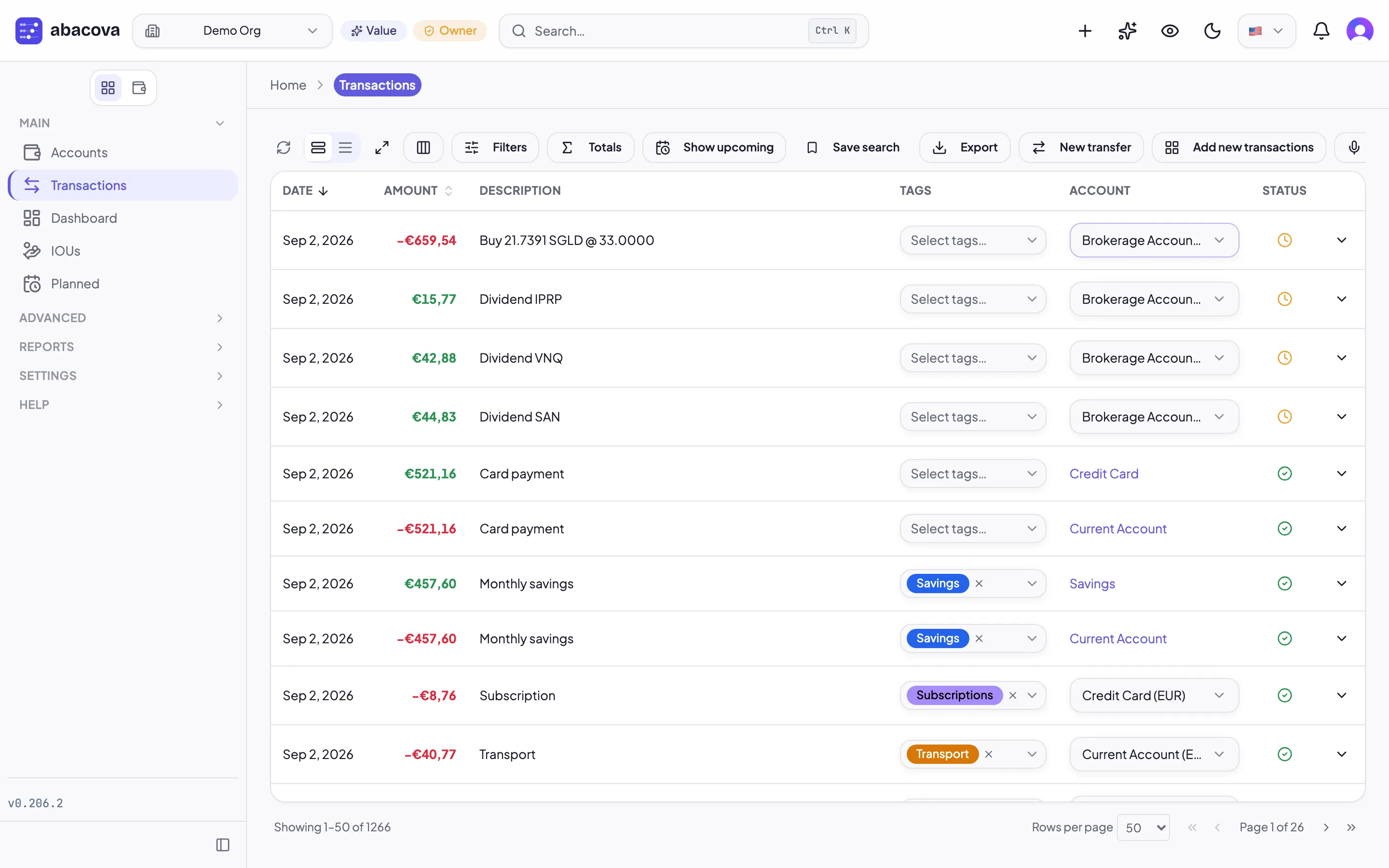
There are two ways of not knowing how much money you have.
The first is having no figure at all. It's uncomfortable but honest: since you don't know, you're careful. You don't commit to a big expense without checking first.
The second is having a wrong figure. That one is worse, because it doesn't show. You open the app, see €1,240 in the current account, and decide on that number: the December trip, the appliance that just broke, whether you can put a bit more aside this month. Meanwhile the bank says €1,180.
Sixty euros won't ruin anyone. The amount isn't the problem. The problem is that you no longer know which of the two numbers to believe, and a record you don't trust stops being useful for the one thing it exists for.
Why the numbers drift apart
It's almost never one big mistake. It's small things that pile up:
- An expense you didn't record. A coffee on the card, a parking ticket, a subscription that renewed itself.
- A late charge. You pay on Friday and the bank posts it on Monday. Over the weekend the two numbers differ and both are right.
- Something that went in twice. You recorded the electricity bill by hand, then imported the bank file, which has it too.
- A mistyped amount. 45.90 instead of 49.50.
Each of these, alone, is easy to find. Three months of them together is not. That's why reconciling works better as a habit than as a rescue.
What reconciling is
Reconciling means comparing an account against a real bank statement until they agree, and recording that they do.
In abacova it has its own page in the main menu. The accounts tab lists each account with the date it was last reconciled, what's already reconciled and what's pending. From there you start a new one:
- The statement. Enter the statement date and the balance your bank shows on that date.
- The check. abacova lists the account's transactions and you tick the ones on the statement, one by one, as if running a finger down it. At the top you see the difference between the bank's figure and what you've ticked.
- The difference at zero. Once everything on the statement is ticked, the difference should be zero, and it turns green. If it isn't, whatever is missing or extra is in front of you: a transaction that isn't on the statement, an amount that differs, something you never recorded. You can correct amounts and dates on the same screen, or add what's missing.
- Finalise. When you finish, those transactions are reconciled and locked, so nobody changes their amount or date by accident.
If the bank posted a charge after the statement date, change its date and it leaves this reconciliation; it will show up in the next one.
Two parts of one balance
What changes afterwards isn't the balance. It's what you know about it.
Every account now has two parts: reconciled, confirmed against the bank, and pending, everything that has happened since. Together they make the balance. You no longer have to trust the whole number: you know which part has been checked and which part is still just your record.
Every new transaction starts as pending, which is exactly what reconciling expects. A reconciled transaction still accepts changes to its description, category or tags, because those don't alter the amount you confirmed.
How often
You don't need to do it daily. The natural rhythm is the statement's: once a month, with the statement in front of you. If you've kept the month up to date, it takes a few minutes.
If it's been a while, don't try to square everything at once. Reconcile up to an earlier date, using the balance the bank showed that day, and work forward from there.
And if you import transactions from a bank file, the import review already flags the ones you'd recorded by hand, so they don't go in twice. That's half the work done before you start.
See it step by step
Lesson 4 of abacova's training course, Importing transactions from banks and reconciliation, walks through the whole thing: importing the bank file, reviewing it, and squaring the account until the difference reaches zero. It's in the training section, and it's free.